
Start from a template
Streaming, IPTV, menus, signage, quizzes, kids and more. Pick one, then make it yours.
How it works
Three steps take a TV app from an idea to thousands of screens, and keep it running afterwards.
Step 1
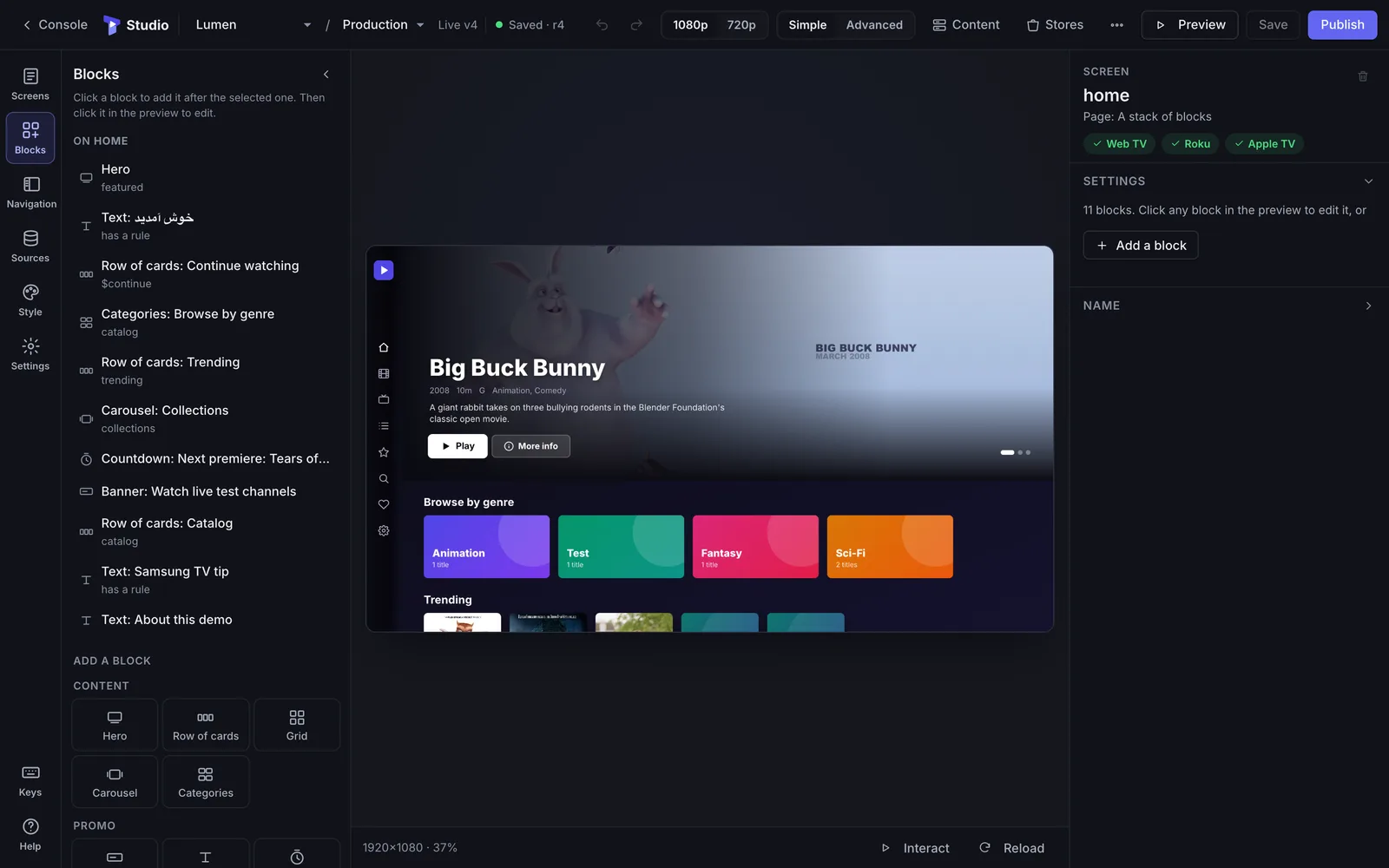
Streaming, IPTV, menus, signage, quizzes, kids and more. Pick one, then make it yours.
Rails, grids, heroes and players with focus states and safe areas built in.
Every change shows on the television in front of you while you design.
Add a Tellyport SDK in about ten lines and use the rest of the platform.
Step 2
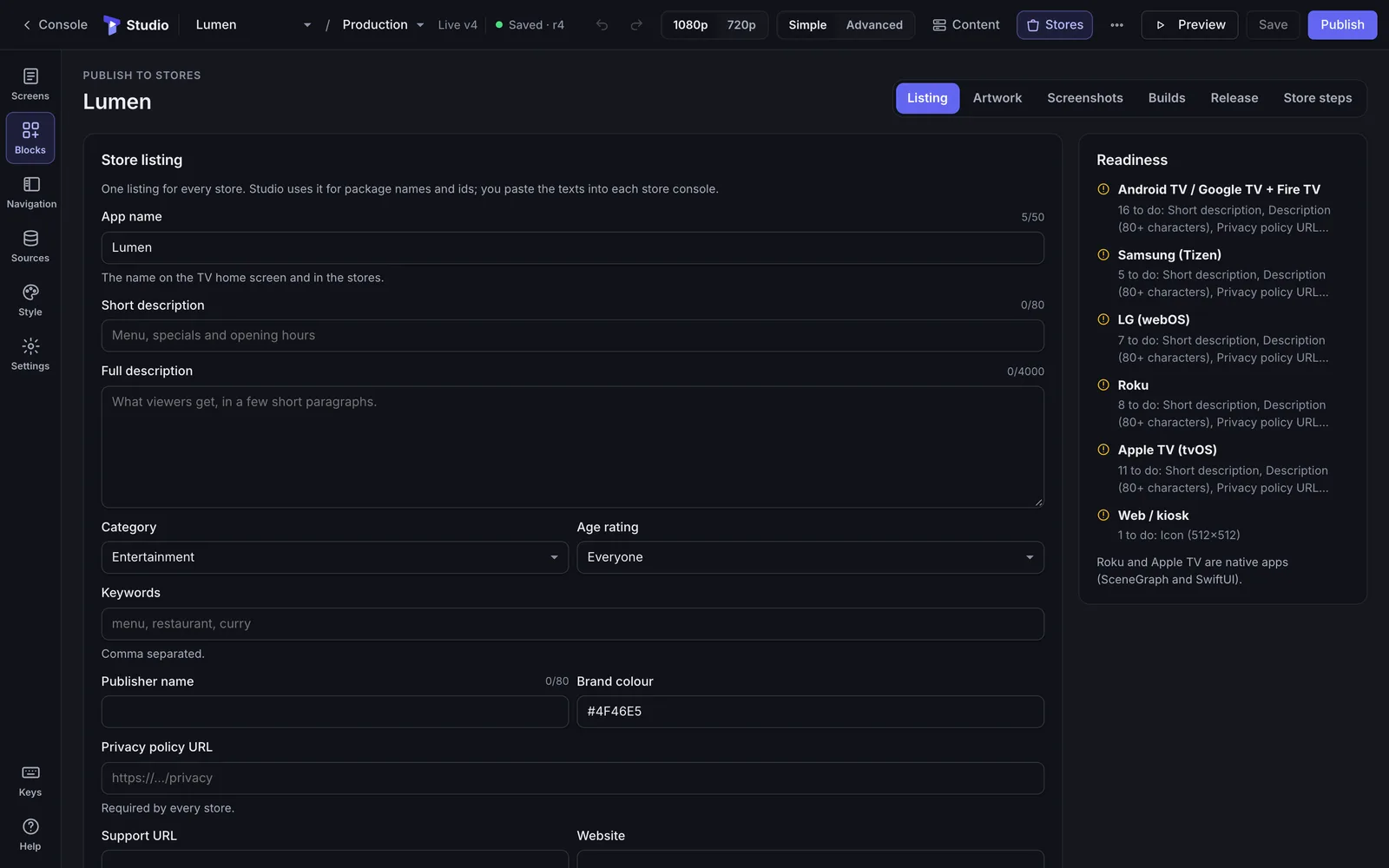
Samsung Tizen, LG webOS, Android TV and Fire TV, Roku and Apple TV builds.
Icons, banners, splash screens and screenshots each store asks for.
Google Play, Amazon Appstore and App Store Connect through their APIs, with status tracking.
Step-by-step guides for Samsung, LG and the Roku Channel Store reviews.
Step 3
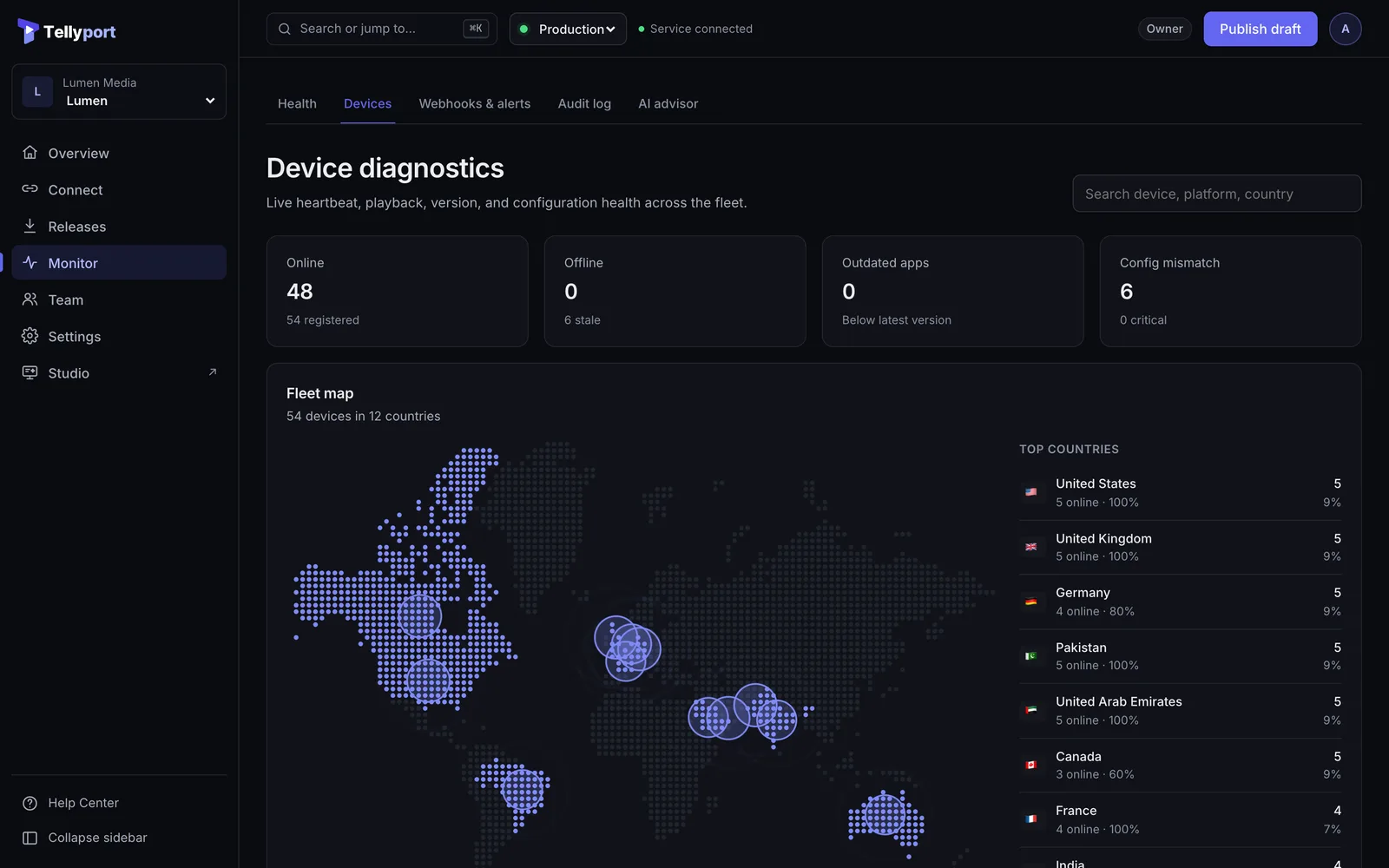
Content, settings, maintenance messages and the API address reach every TV in minutes.
Versions, one-click rollback, canary releases and approvals.
Which TVs are online, their app and config version, and remote diagnostics with a screenshot.
TVs fall back to their last verified configuration, so screens never go dark.